Перейти к содержимому

Deadlock overlay

Deadlock Twitch overlay without a handmade HUD

A Deadlock twitch overlay in OBS Browser Source: rank, I–VI division, progress, and recent form. Link Steam once — the widget keeps the HUD on stream.

RobinSystem

Deadlock Rank HUD

live
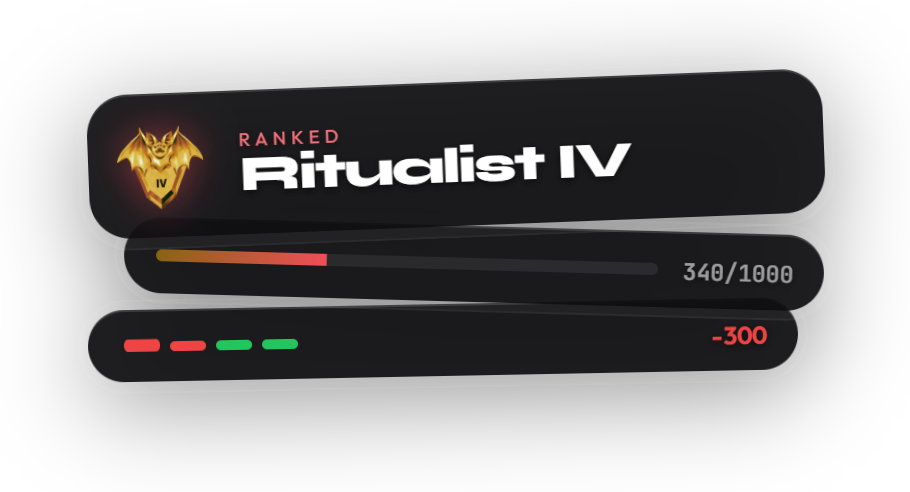
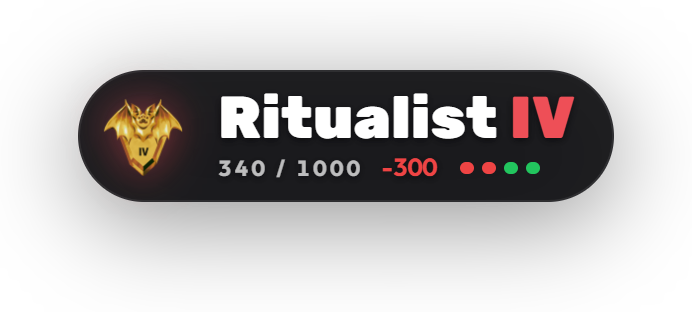
Rank, roman division, progress, and post-match delta.
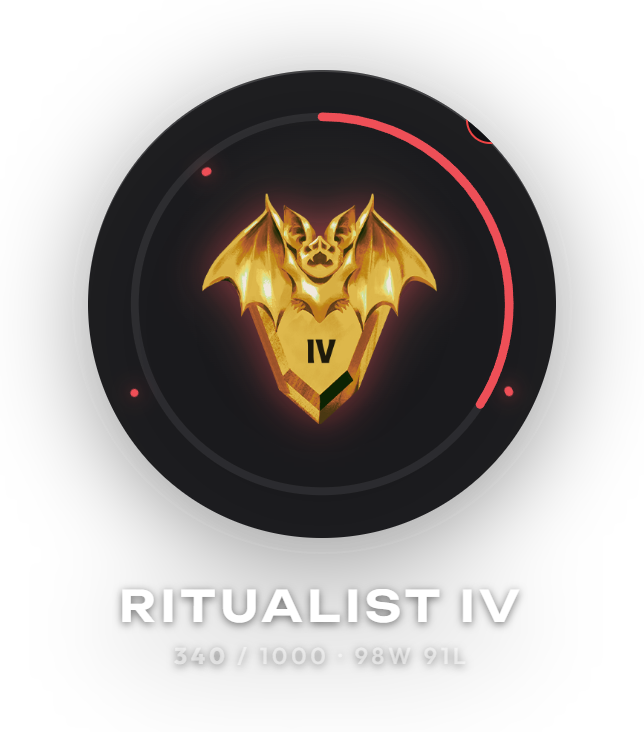
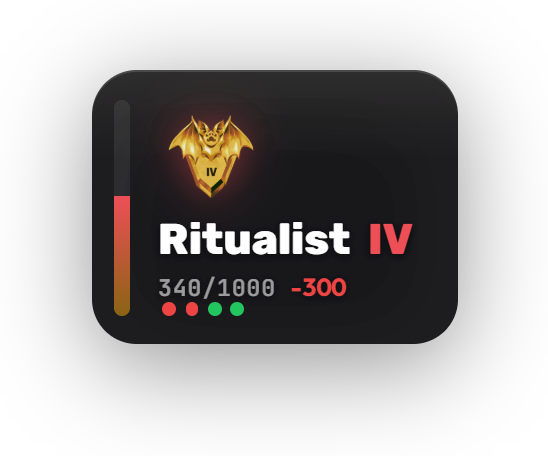
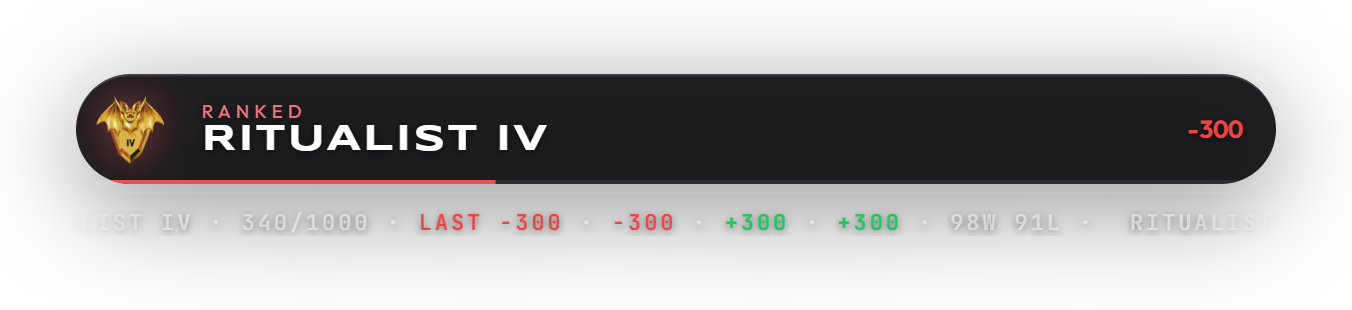
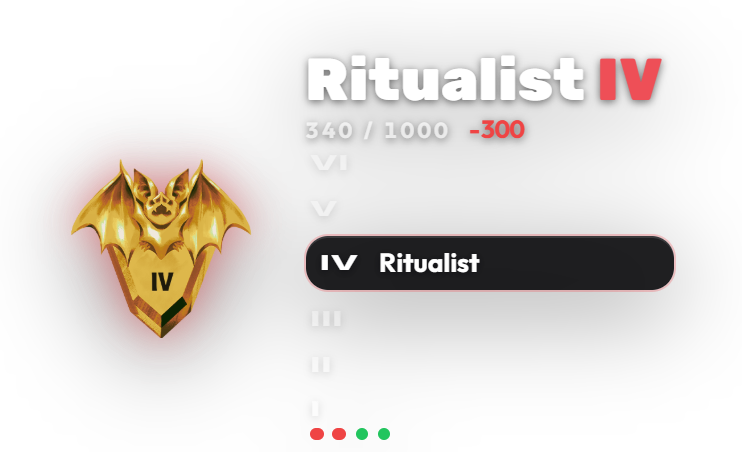
Styles: Relic, Aether Ring, Totem, Broadcast Rail, Ascent · rungs, Prism Cascade.
OBS-ready URL with dashboard preview — no Photoshop or custom HTML.

Problem

  • Deadlock viewers want rank on screen, not a client screenshot between matches.
  • Ready-made Deadlock overlays are scarce — usually a static image or someone else’s HTML.
  • Public rank data is cached, so a “live” HUD cannot live in OBS alone.

How RobinSystem helps

  • The Deadlock overlay reads rank from SteamID3 after Steam OpenID in dashboard.
  • Six styles: Relic and Aether are free, Totem and Broadcast Rail on Premium+, Ascent and Prism on Ultra.
  • Copy the Browser Source URL from Overlays → Deadlock Rank and paste it into OBS.

Deadlock overlay styles

  • Free: Relic and Aether Ring — compact pill and circular HUD.
  • Premium and Ultra: Totem and Broadcast Rail — vertical rail and lower-third.
  • Ultra only: Ascent · rungs and Prism Cascade — subrank ladder and shard stack.

How to add it in OBS

  • Settings → Integrations → Steam (OpenID).
  • Overlays → Deadlock Rank: create a key and pick a style.
  • Paste the URL into an OBS Browser Source. RobinSystem caches rank and polls about every 1–2 minutes.

Plan unlocks

Free

Deadlock overlay styles Relic and Aether Ring, Steam link, and OBS Browser Source.

Premium

Totem and Broadcast Rail plus the rest of Premium overlays.

Ultra

Ascent · rungs, Prism Cascade, and the fullest scene customization.

FaceIT overlaySpotify overlayPricingComparison

FAQ

What is a Deadlock Twitch overlay?

An OBS Browser Source widget from RobinSystem that shows Deadlock rank, subrank progress, and recent form. Data comes from a linked Steam account.

How do I add a Deadlock overlay to OBS?

Link Steam in RobinSystem, create a Deadlock Rank overlay, copy the URL, and paste it into OBS as a Browser source.

Do I need Steam for the Deadlock overlay?

Yes. Rank is resolved from SteamID3 after OpenID linking in Settings → Integrations.

Which Deadlock overlay styles are free?

Relic and Aether Ring are free. Totem and Broadcast Rail need Premium or Ultra. Ascent · rungs and Prism Cascade are Ultra only.

How often does Deadlock rank update on stream?

The widget polls RobinSystem about every 1–2 minutes. Deadlock’s public API caches rank, so in-game changes can appear on overlay with a short delay.

Is this the same as the FaceIT overlay?

No. FaceIT widgets cover CS2. The Deadlock overlay is a separate rank HUD for Deadlock Twitch streams.