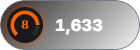
Simple
Level and ELO
FaceIT · OBS
ELO, stats, and match scenes in OBS. Copy the URL from the dashboard.
/overlay/faceit/{key}
Widgets
Level, ELO, and stats. One widget, several looks.
Level and ELO
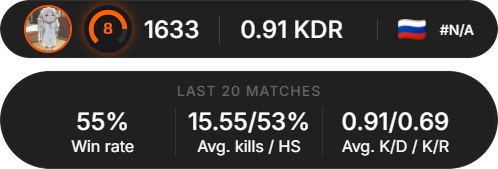
Profile and stats
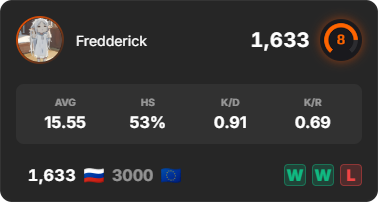
Stats for 20 matches

A CS2 killfeed line
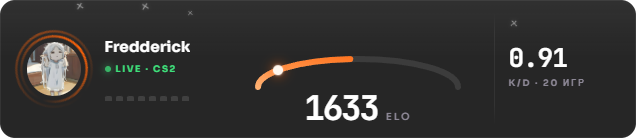
Orbit and ELO gauge
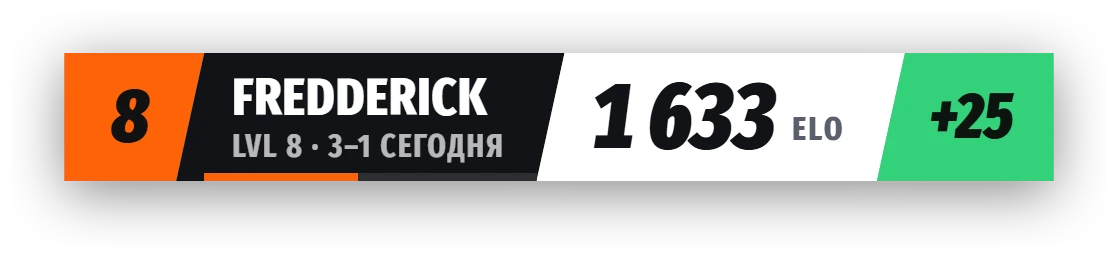
Tournament broadcast bug

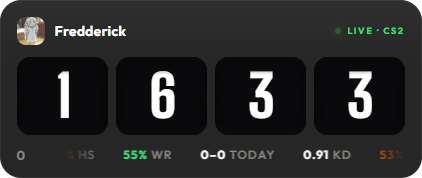
Stats bar
ELO on drums
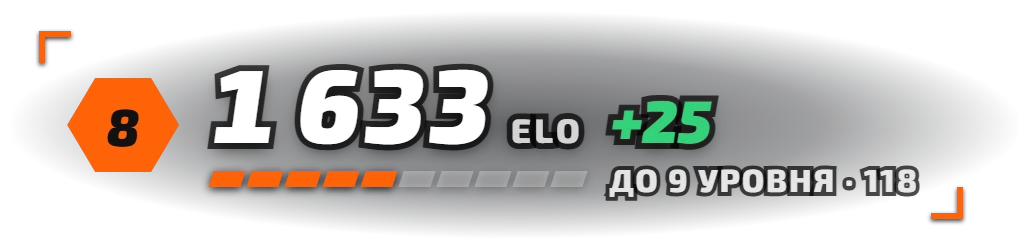
CS2-style HUD numbers, no panel
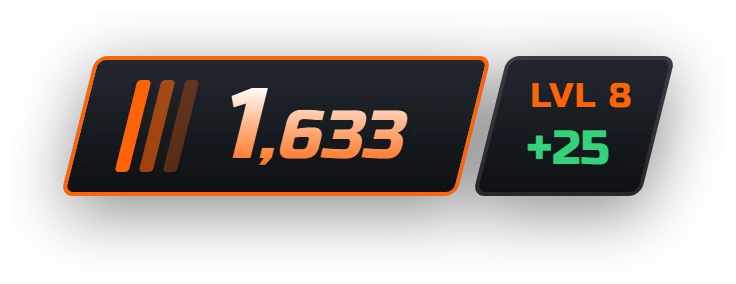
CS2 Premier-style rating
Match
Several styles per scene. Use the arrows to browse.

Top capsule with lineups · Premium
The preview can drop FPS. The overlay in OBS runs as usual. Guaranteed :)
Plans
Free
Simple, Advanced, Stats, and Killfeed.
Premium
Halo, Broadcast, and match scenes. Colors and background can be changed.
Ultra
Pulse, Drum, Native, Premier, and extra scene styles.
Dashboard
Overlays can be customized: colors, background, fonts, sizes, and more.
There is a support chat in the dashboard. Write there with any issue.
The widget reads your FACEIT account and updates on its own: ELO changes after every match, and match start and end scenes appear automatically.
Open FACEIT in the dashboard and click Connect FaceIT. Sign-in uses official FACEIT authorization; we never see your password.
Rank and ELO, stats, or match scenes. Adjust colors, background, fonts and sizes with a live preview.
Create a Browser source and paste the URL. Match scenes work best at 1920×1080 over the whole scene.
Data refreshes after the match. !elo and !last in chat show the same numbers.
| Command | What it does |
|---|---|
| !faceit | Linked account profile |
| !elo | Current level and ELO |
| !last | Result of the last match |
Commands can be renamed or disabled. Auto predictions can create a Twitch prediction for each match.
Simple, Advanced, Stats and Killfeed are free. Halo, Broadcast and match scenes are on Premium; Pulse, Drum, Native and Premier on Ultra. The OBS URL stays the same when you switch styles.
This affects Game Capture, not the widget. Running OBS as administrator, restarting the FACEIT client, or using Window Capture usually helps. The widget itself is a Browser source and is not affected.
A RobinSystem overlay with ELO, stats, match start/end scenes, and lobby. Data comes from the linked FaceIT account. Copy the URL from the dashboard.
Create a FaceIT overlay in the RobinSystem dashboard, copy the URL, and add it in OBS as a Browser source at 1920×1080.
Yes. Match widgets and stats require FaceIT integration in channel settings.
Simple, Advanced, Stats, Halo, Pulse, and Drum widgets, compact Killfeed, Broadcast, Native, and Premier styles, plus start, lobby, match-end, and last-match scenes.
Simple, Advanced, Stats, and Killfeed are on Free. Halo, Broadcast, and match scenes are on Premium. Pulse, Drum, Native, and Premier are on Ultra. Colors, background, fonts, and sizes are set in the dashboard. If something breaks, write in support chat.