Po-po-po… What do we have here today?
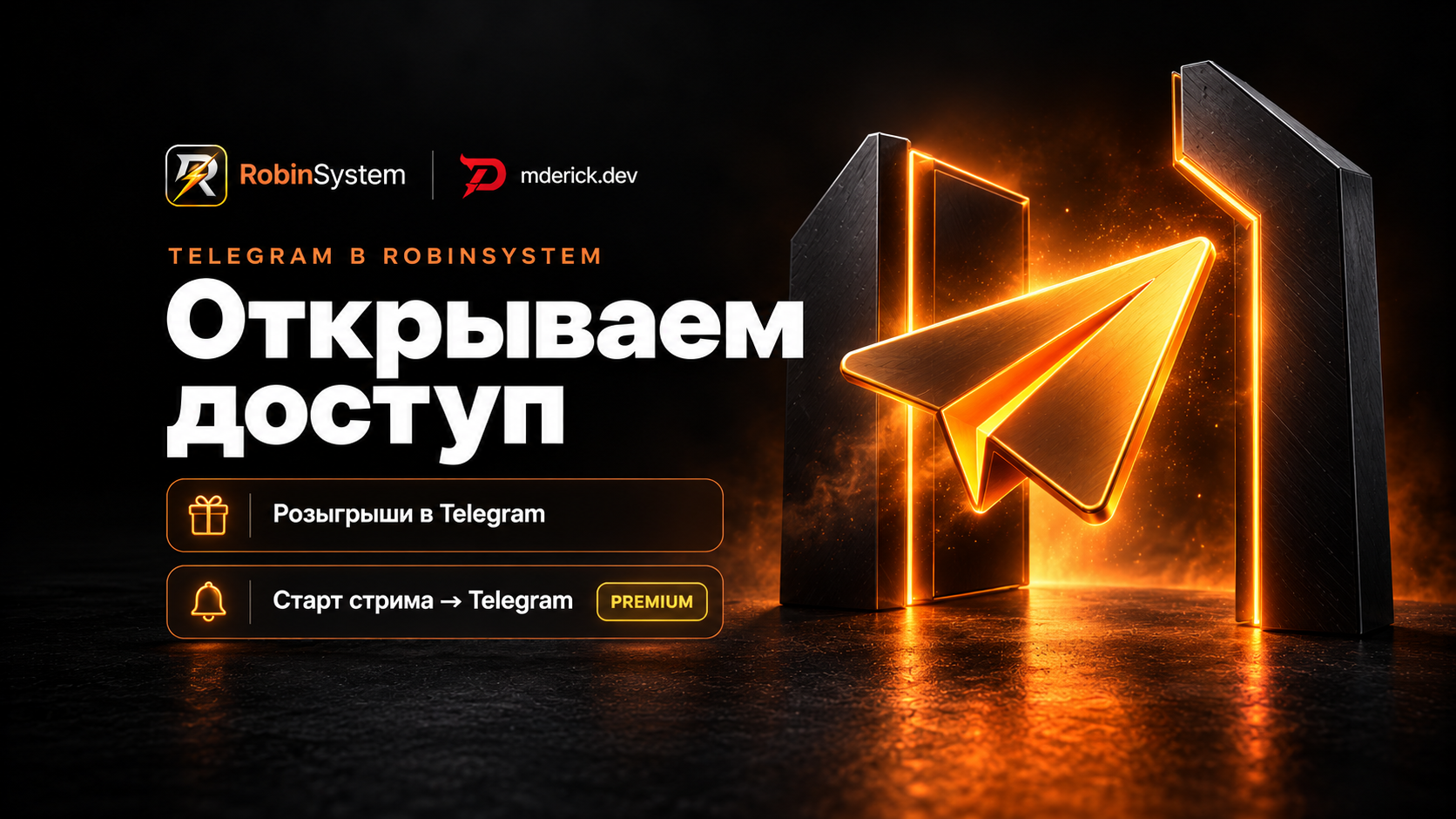
We’ve tested the integration of Telegram channels and are ready to make it available. Now, in RobinSystem, you can link your channel to a live stream: run giveaways and automatically notify subscribers when the stream starts.
This is another step toward spending less time preparing for a stream and having useful tasks handled automatically.
Telegram channel integration, giveaways, and stream start announcements are available to users with a Premium or Ultra subscription.
01Giveaways on Telegram
Link your Telegram channel to RobinSystem and run giveaways right there. You can make subscribing to this channel one of the mandatory conditions for participation.
This is convenient if you want to introduce viewers to your public channel—a place where you interact with them between streams, share news, and build your community.
You can create a giveaway in the “Giveaways → Telegram Giveaways” section. The wizard will guide you through selecting a channel, describing the prize, setting the entry requirements, and preparing the post. The required condition in the “Conditions” step is called “Subscriber to this Telegram channel”.
Before publishing, you can send the post to yourself on Telegram to see how it looks.
02The stream has started—subscribers received an announcement
A new trigger has been added: “Stream Start → Telegram”. When the stream begins, RobinSystem automatically sends a message to the linked channel.
You go live, and your subscribers know they can now join the stream. The announcement text is configured in the trigger editor.
You can find it in the “Triggers → On Events” section. Select “Stream Start → Telegram”, enable sending to “Groups and Channels”, specify your channel, and prepare your message.
The editor has a “Publish Test” button—use it to test the announcement before the stream begins. After configuring the settings, enable “Active” and save the trigger.
03Where to Start
First, you need to link your channel to RobinSystem. If your personal Telegram account isn’t linked yet, start by linking that.
Linking a Telegram Channel
- Go to “Settings → Integrations”
In the Telegram section, if necessary, click “Open Telegram and Link” and complete the process of linking your personal account.
- Connect your channel
Select “Link a channel or group”, then “Channel”. Add the bot suggested by the administrator and grant the permissions specified in the instructions.
- Confirm the linking on the website
Return to your account dashboard and click “Confirm”. After that, you can proceed to create a giveaway or set up a stream announcement.
Link a Telegram channelOpen the integration in your account
04Honest Assessment of the Current Status
Features are still being refined. We’ve run tests, but certain scenarios may not work as expected. If something doesn’t work, please let us know.
We don’t have enough resources to handle everything yet, so it’s especially important right now to see how the new features work for you—with your channels, settings, and habits.
If a channel didn’t link, you didn’t receive a notification, or the giveaway rules were unclear, please contact support on the website. The following information will help us resolve the issue faster:
- What you were trying to do;
- What happened instead of the expected result;
- A screenshot, if it shows the problem.
And please share your feedback, even if everything worked as expected. What did you find convenient? At which step did you have to pause and think? What’s missing for your channel?
Your feedback helps us understand what to improve next. Things that seem obvious during development can raise questions when you first set it up.
05We’re Now on YouTube, Too
RobinSystem now has a YouTube channel]. There, we talk about the project’s features and release short guides to make it easier to understand the settings using specific examples.
Yes, AI helps us create this content—we’re open about that. We hope these videos help you discover useful features and try them out during your live streams.
If there’s a topic you’d like to see covered in the next guide, please let us know. Your questions will help us determine which settings are worth exploring in more detail.
Watch RobinSystem on YouTubeProject Highlights and Short Guides
Thank you for trying new things, sharing your feedback, and helping Robin become more user-friendly.